One tap before you fuel. That's the whole job. When the card confirms your fill, you earn a share of every dollar you saved the company, watch it stack on your home screen.
iPhone: open the TestFlight link from your fleet contact and install TopOff.
Android: open the install link we email you → Download → Install (allow "unknown apps" if asked).
First launch asks your name and unit number, that's how fills and bonuses credit to you. Allow location when prompted; it's only used while the app is open.
Pick Regular or Diesel, the best-value stop is starred. Tap Log: directions open, you fuel on the fleet card like always. Done. Never reopen the app.
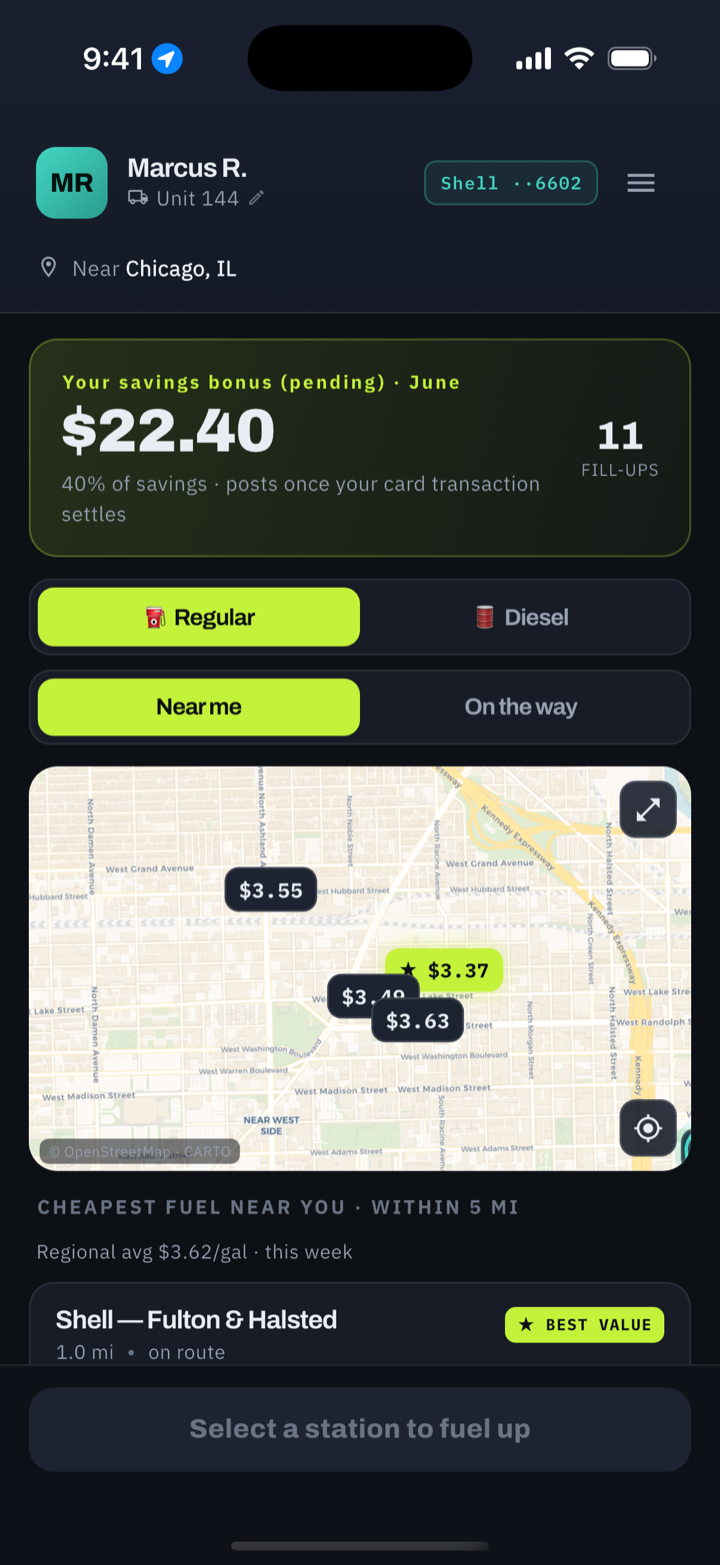
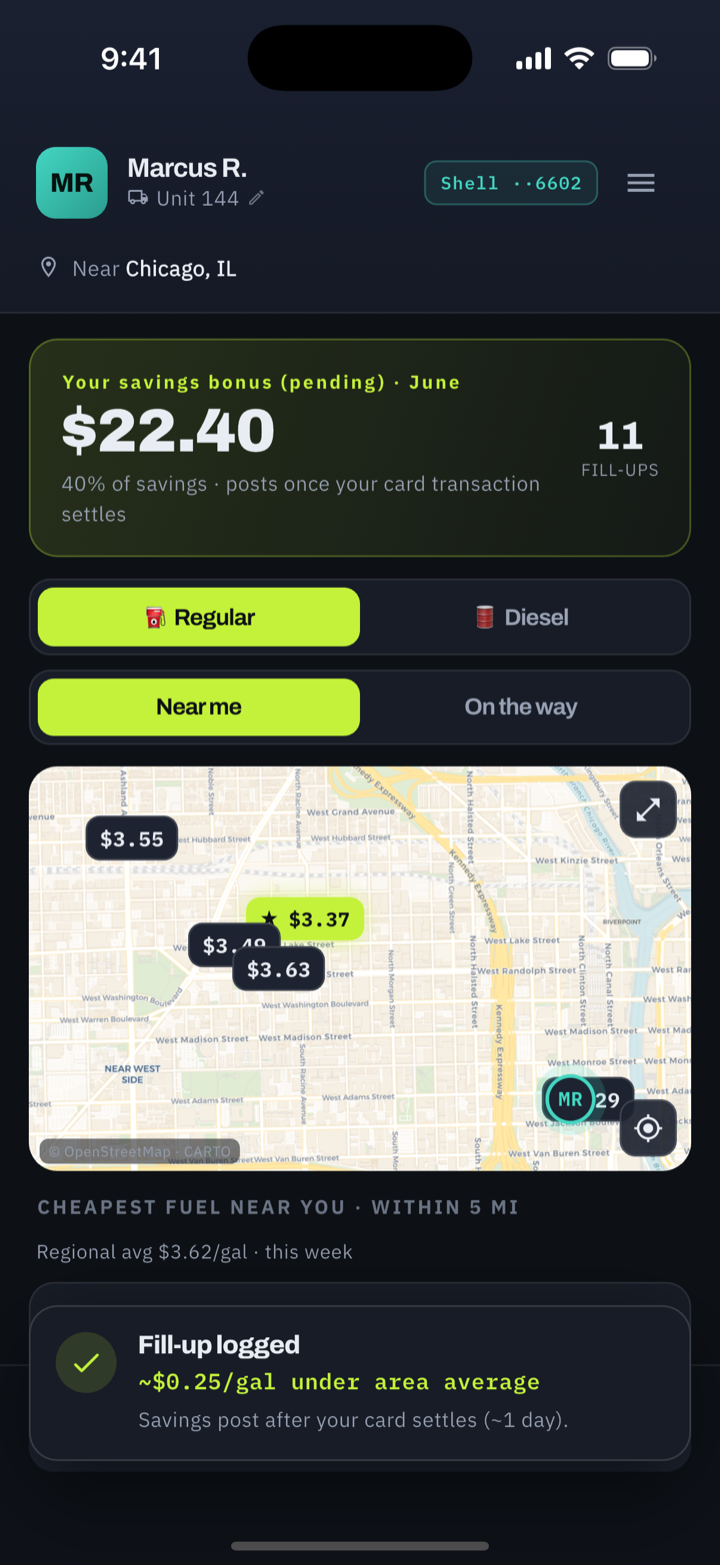
Your fill posts when the fuel-card transaction confirms it, usually within a day. The saving vs the local average gets verified, and your share (set by your fleet, typically 25-30%) lands on your bonus total. No receipts, no forms, no arguing.